Introduction
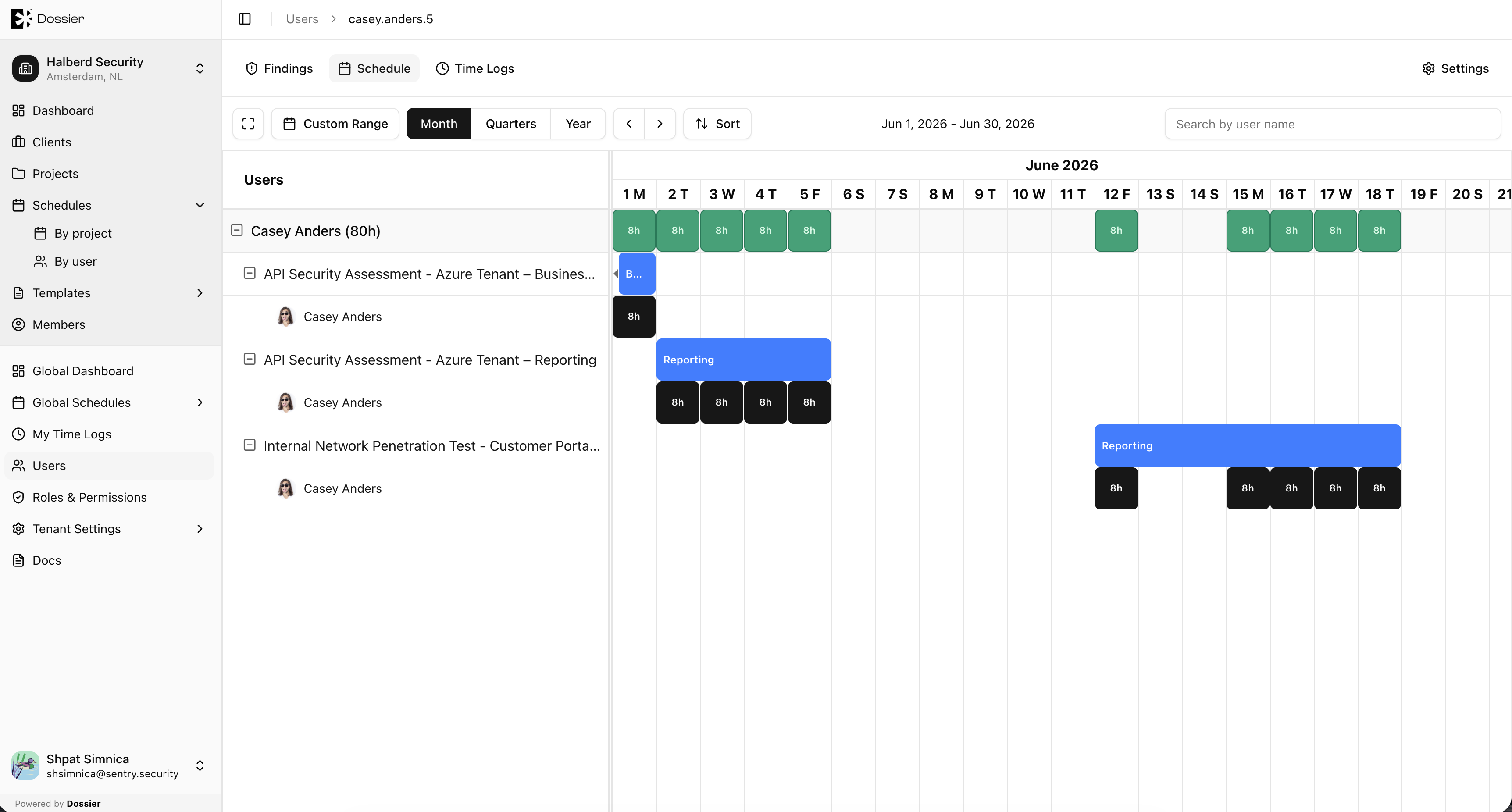
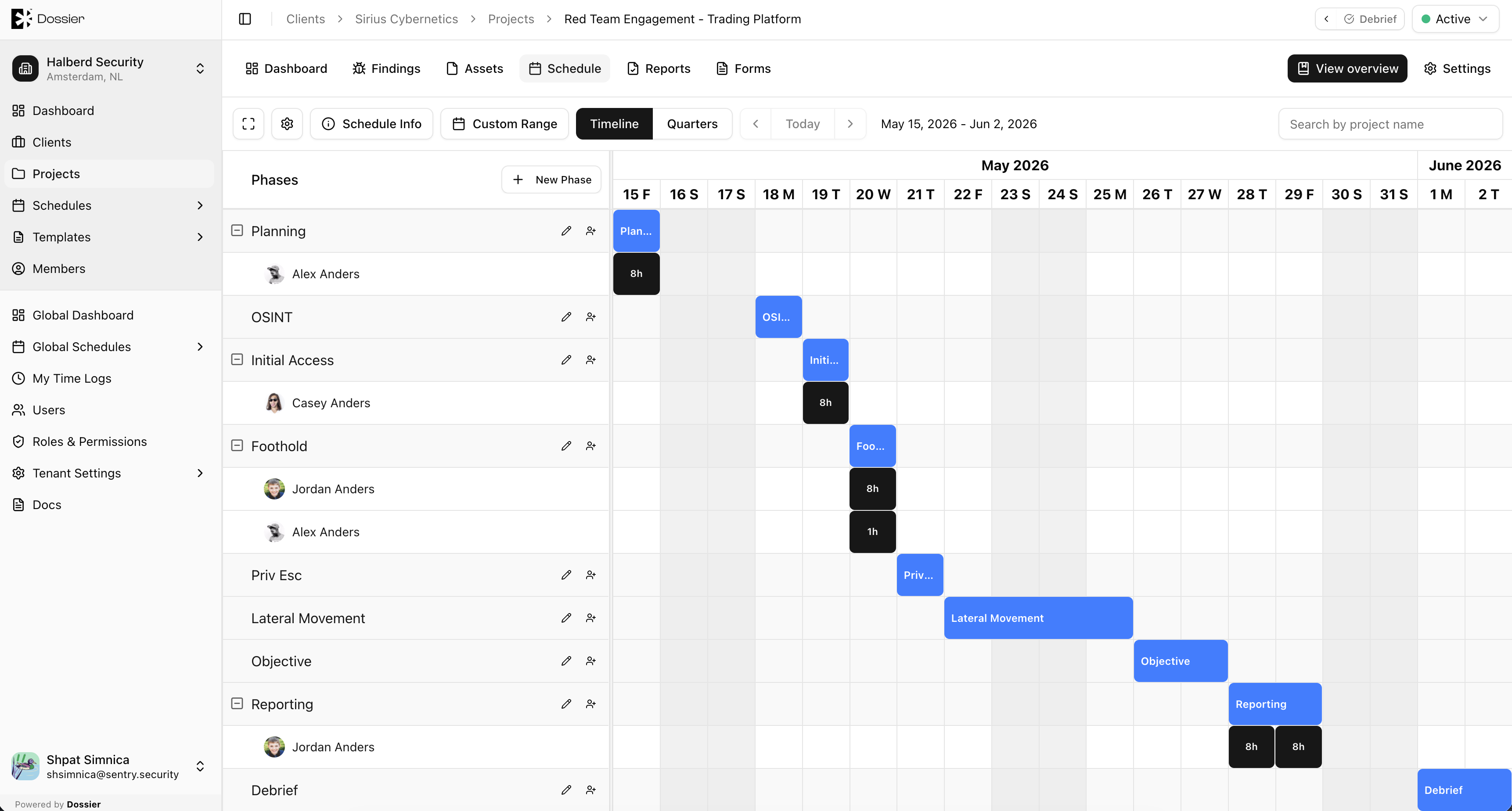
The project schedule manages consultant assignments through phases and user tasks. Each phase defines a date range for a stage of the engagement, and user tasks assign specific consultants to work during that phase.
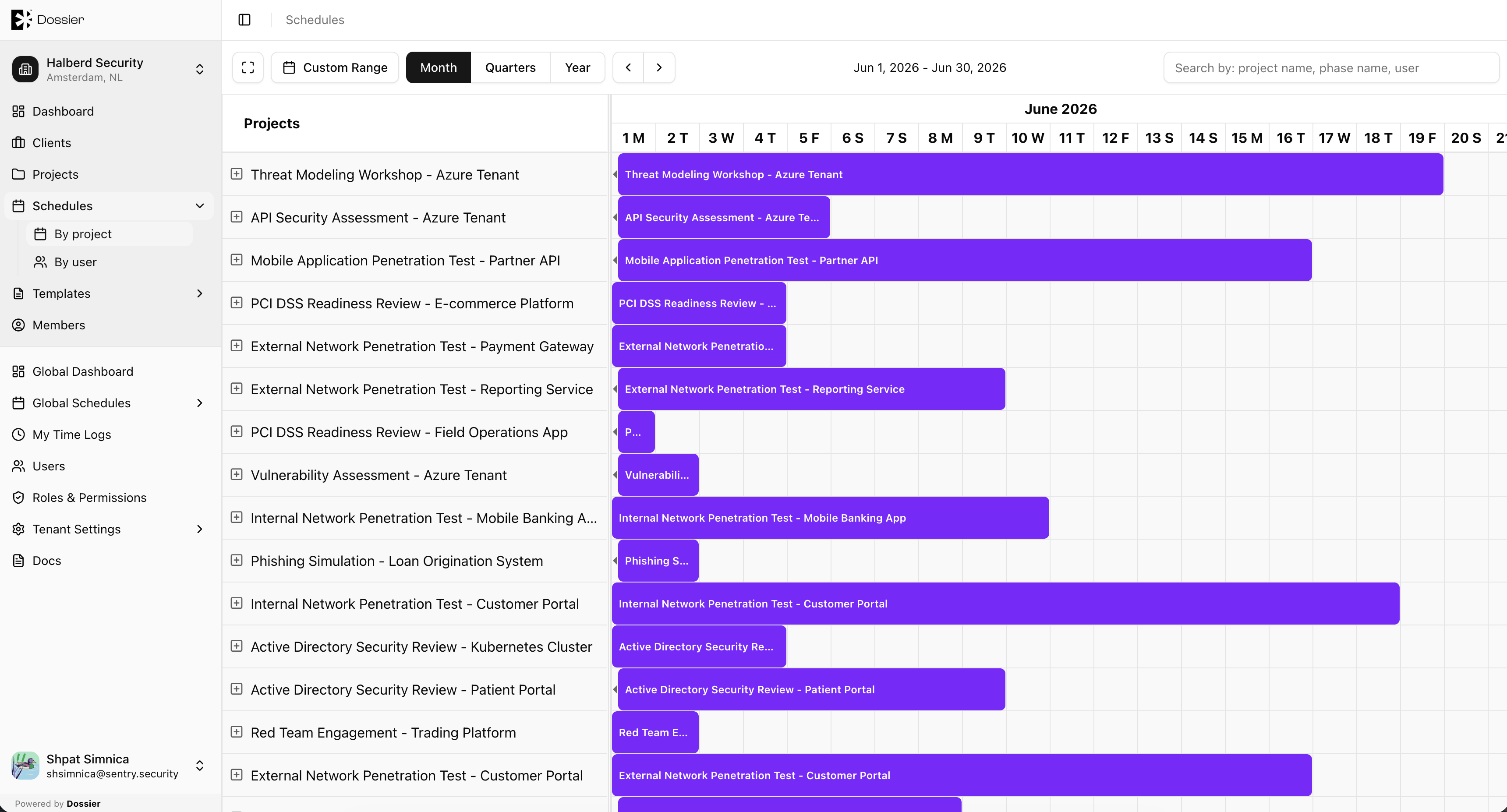
You can also view schedules at the organization and global level across all projects and users.
Key Concepts
| Concept | Description |
|---|---|
| Phase | A date range representing a stage of the project (for example, "Reconnaissance", "Exploitation"). |
| User task | An assignment of a consultant to a phase with start/end dates and daily time slots. |
| Time slot override | Per-day adjustment to a consultant's scheduled hours within a task. |
| Availability | Calculated per day as Available, Partially Available, or Unavailable based on booked hours. |
Schedule Views
| View | Route | Description |
|---|---|---|
| Project schedule | /projects/:id/schedule | Calendar for a single project's phases and tasks |
| Org schedules by project | /org/:id/schedules/projects | All project schedules in the organization |
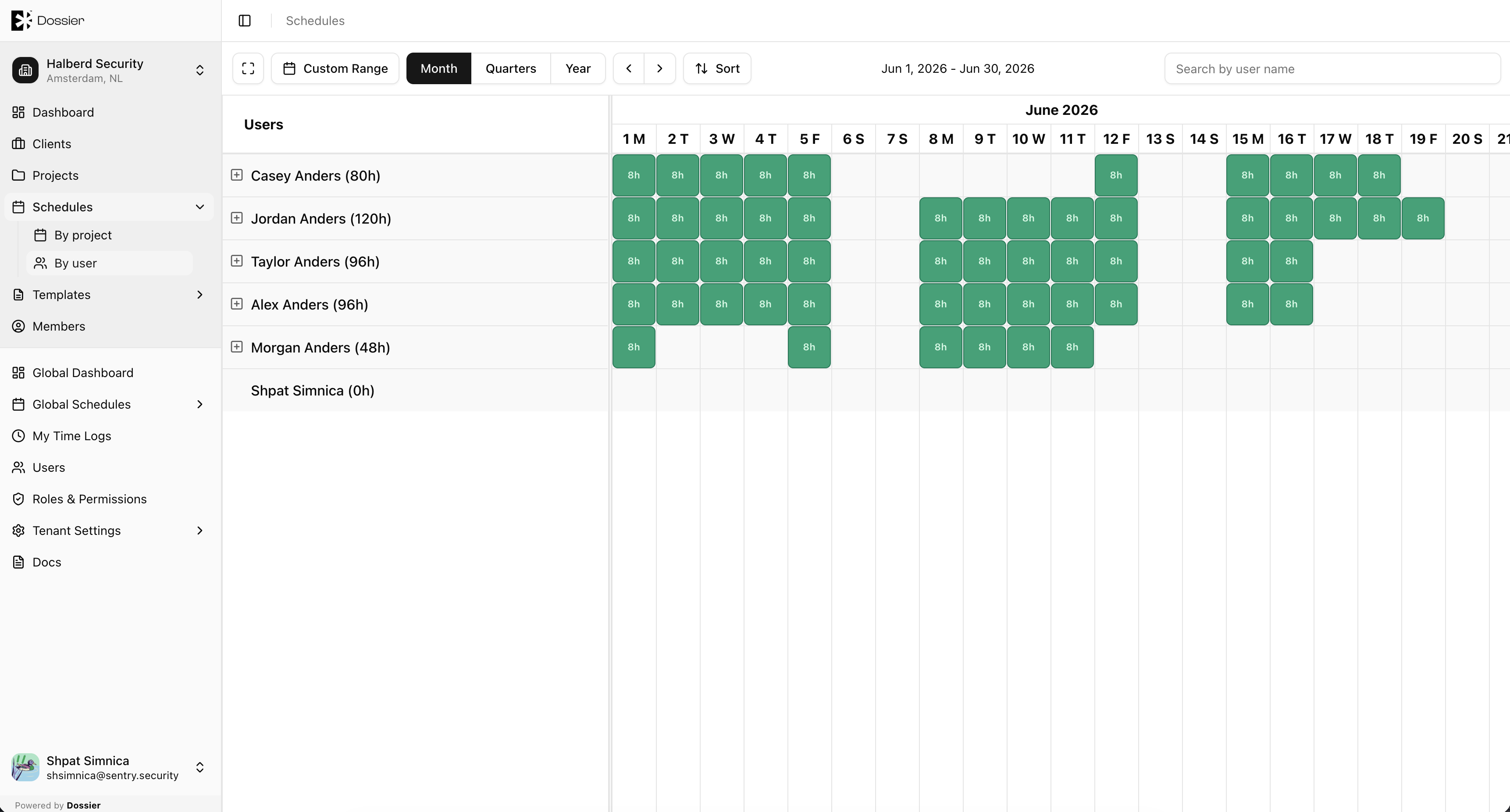
| Org schedules by user | /org/:id/schedules/users | All consultant schedules in the organization |
| Global schedules by project | /global/schedules/projects | All project schedules across the tenant |
| Global schedules by user | /global/schedules/users | All consultant schedules across the tenant |
Availability Indicators
On consultant calendar views, days are color-coded:
| Color | Meaning |
|---|---|
| Green | Fully booked (default 8 hours) |
| Yellow | Partially booked (under 8 hours) |
| Red | Overbooked (more than 8 hours) |