Introduction
The Users section allows administrators to manage user accounts across the tenant. Users can be team members (full app access) or client accounts (portal access scoped to a client).
Each user is assigned a role that determines their permissions, and can belong to one or more organizations and clients.
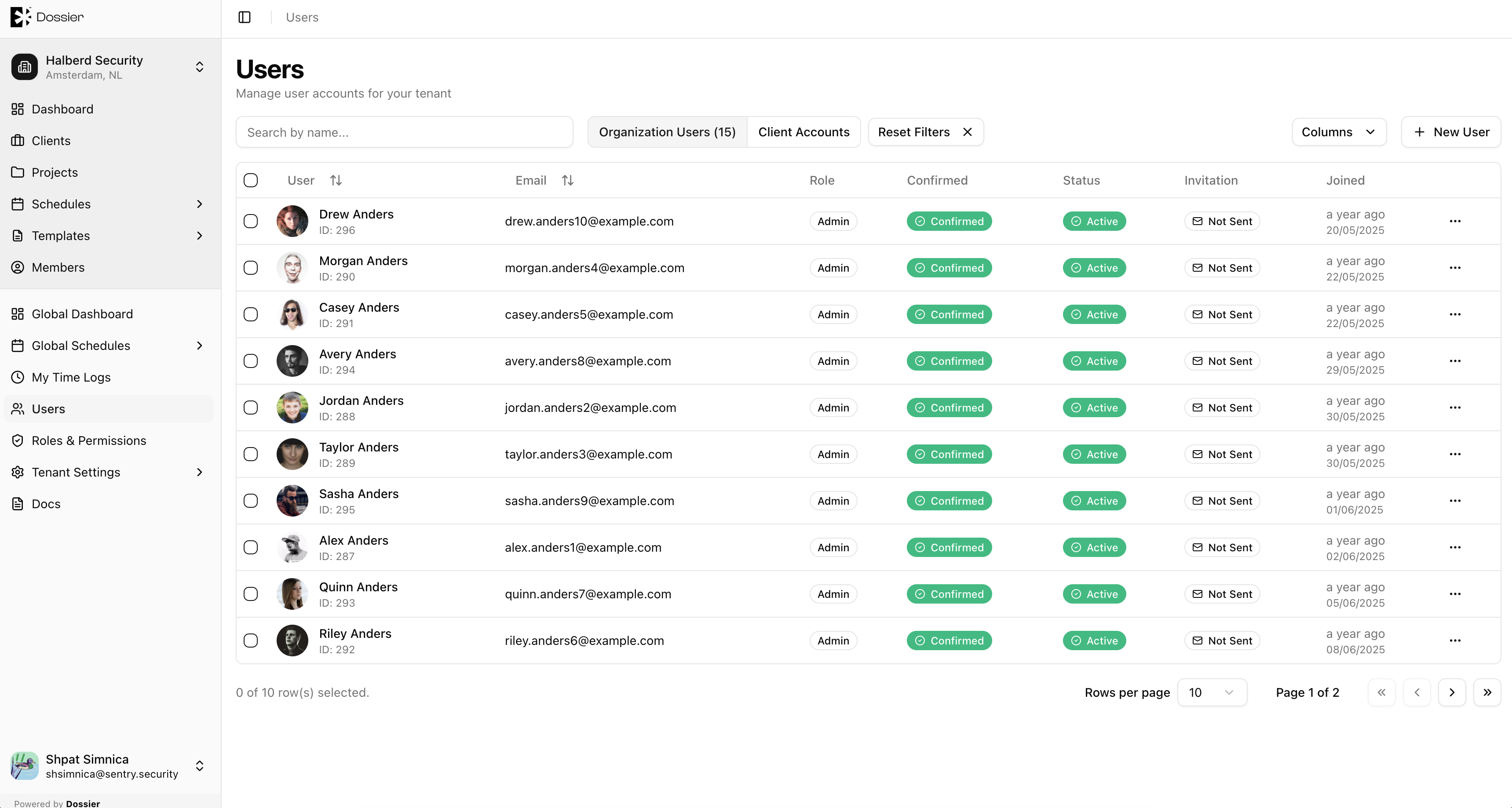
User Types
| Type | Description |
|---|---|
| Team member | Full sidebar access. Works across organizations and manages projects, findings, and templates. |
| Client account | Simplified portal access scoped to assigned clients. Can view projects, findings, and assets. |
User Detail Pages
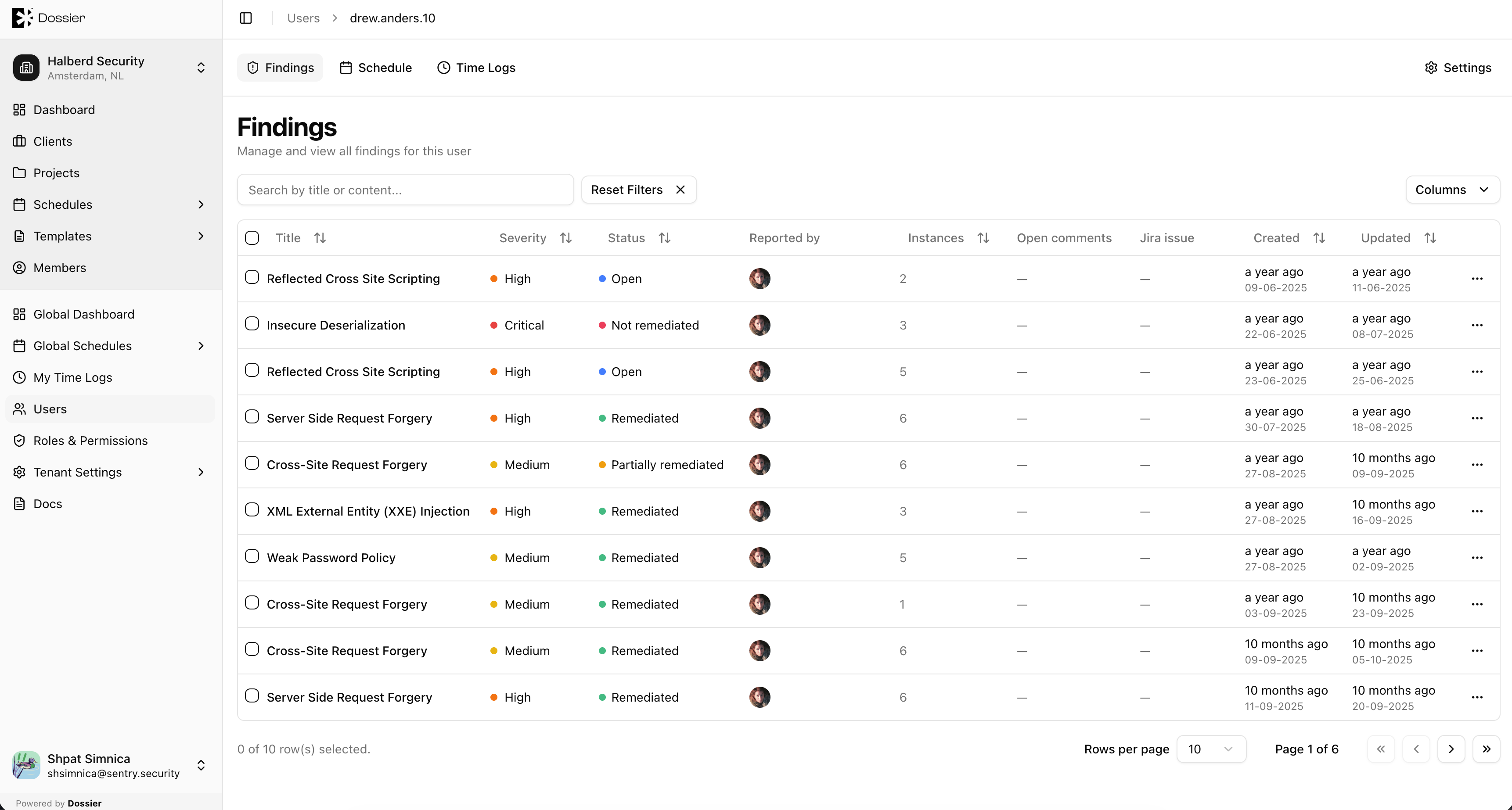
Click a user row to access their detail pages:
| Tab | Description |
|---|---|
| Findings | Findings created by this user |
| Schedule | This user's calendar and assignments |
| Logs | This user's time logs (admin view) |
Route: /users/:userId/findings, /users/:userId/schedule, /users/:userId/logs