Introduction
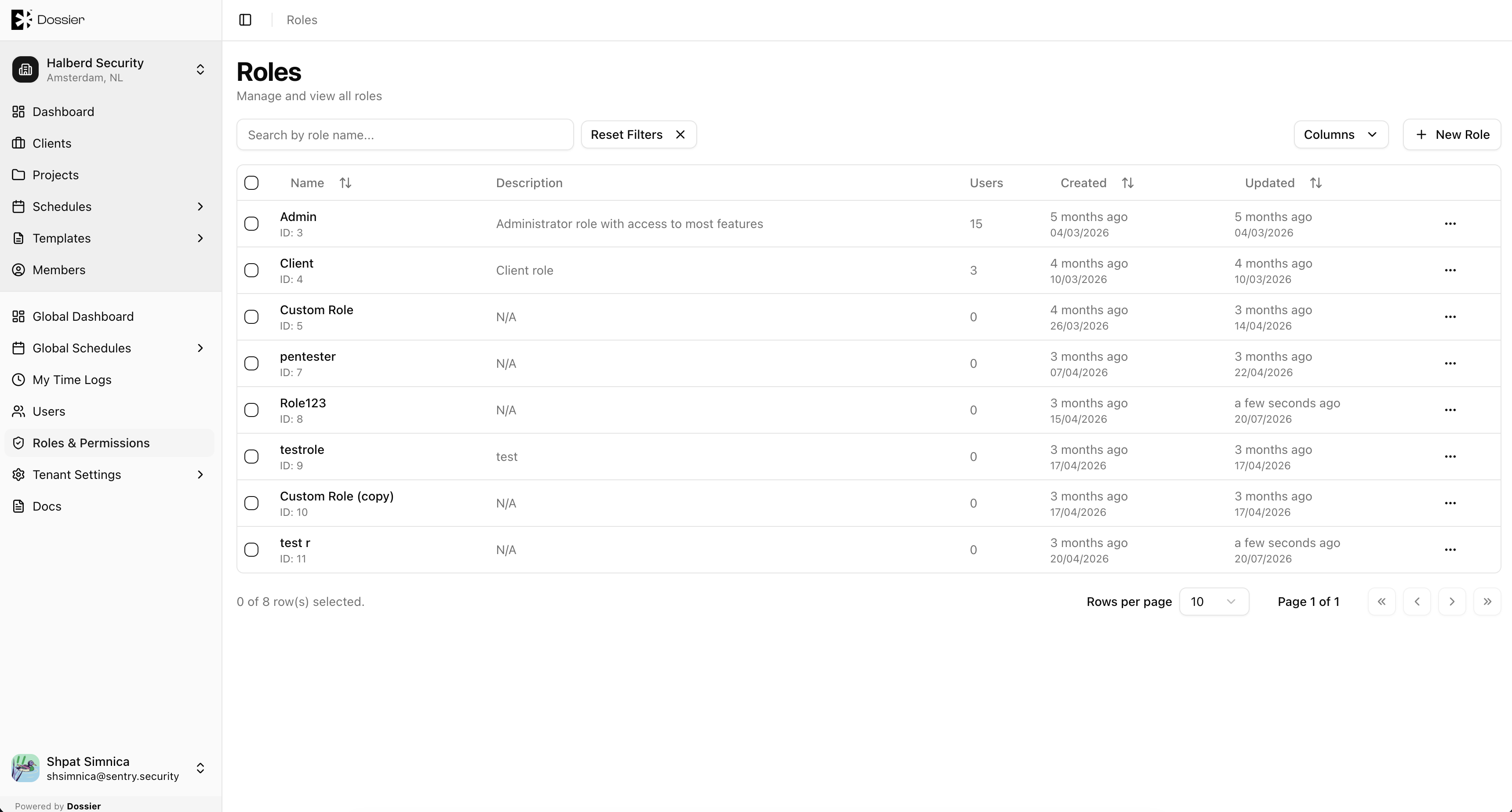
Roles define what actions users can perform in Dossier. Each user is assigned one role, which grants a set of permissions across the application's entities.
Built-in Roles
| Role | Description |
|---|---|
| Admin | Full access to all features including user management, tenant settings, and all CRUD operations. |
| Client | Read-only access for client portal users. Can view non-draft projects and findings, manage own assets, and submit forms. |
Custom roles can be created with granular permissions for team members who need limited access.
Permission Groups
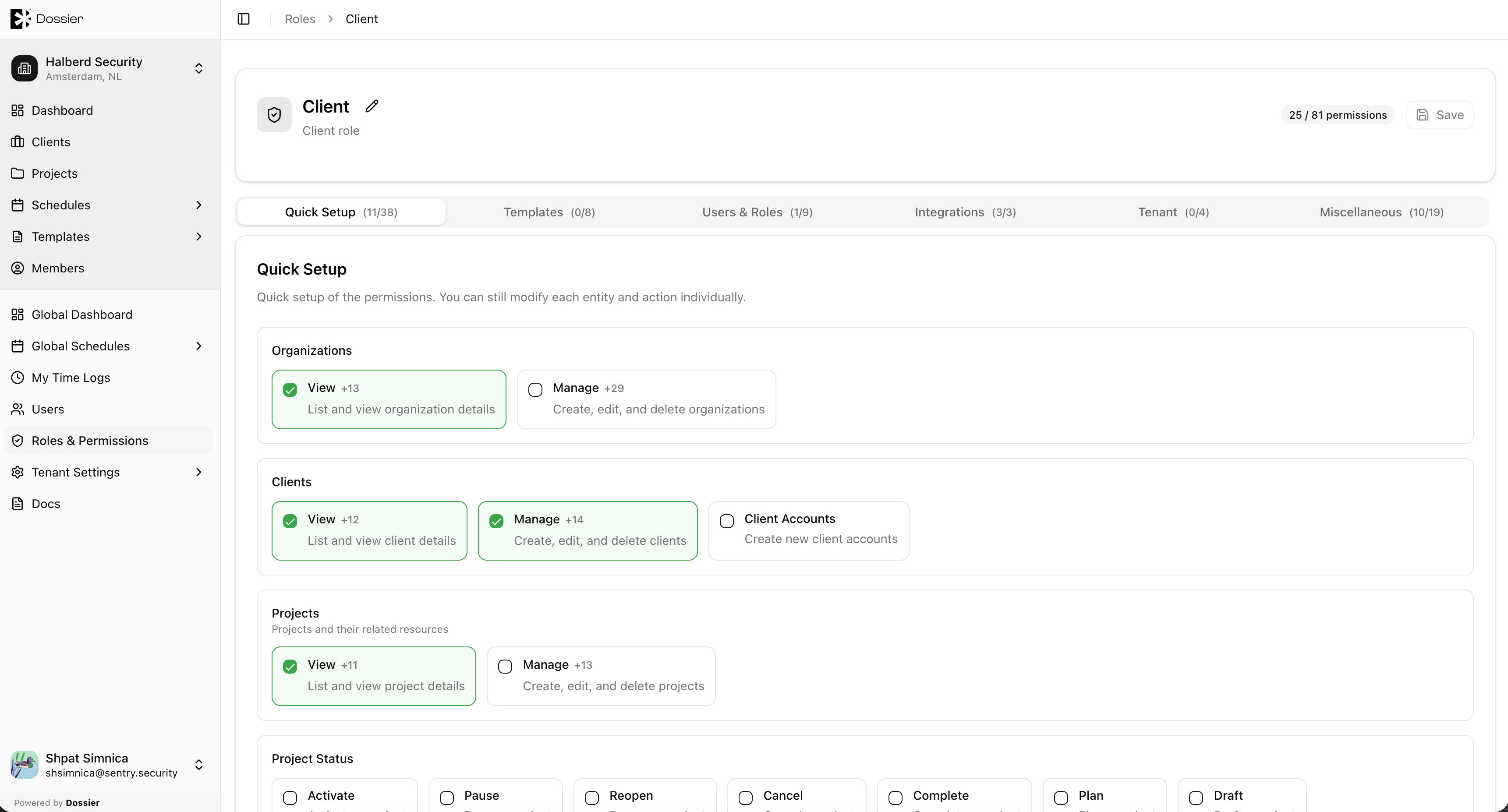
Custom role permissions are organized into cascading groups:
| Group | Covers |
|---|---|
| Core | Projects, findings, assets, clients, organizations |
| Templates | Finding, report, form, and email templates |
| Users | User and role management |
| Integrations | Jira and third-party connections |
| Tenant | Tenant settings and authentication |
| Miscellaneous | Time logs, stats, schedules |
Permissions within each group use Create, Read, Update, and Delete actions. Some permissions cascade — enabling Update on projects may automatically enable Read on related entities.
Protected Roles
The Admin, Client, Public, and Authenticated roles cannot be modified or deleted.