Introduction
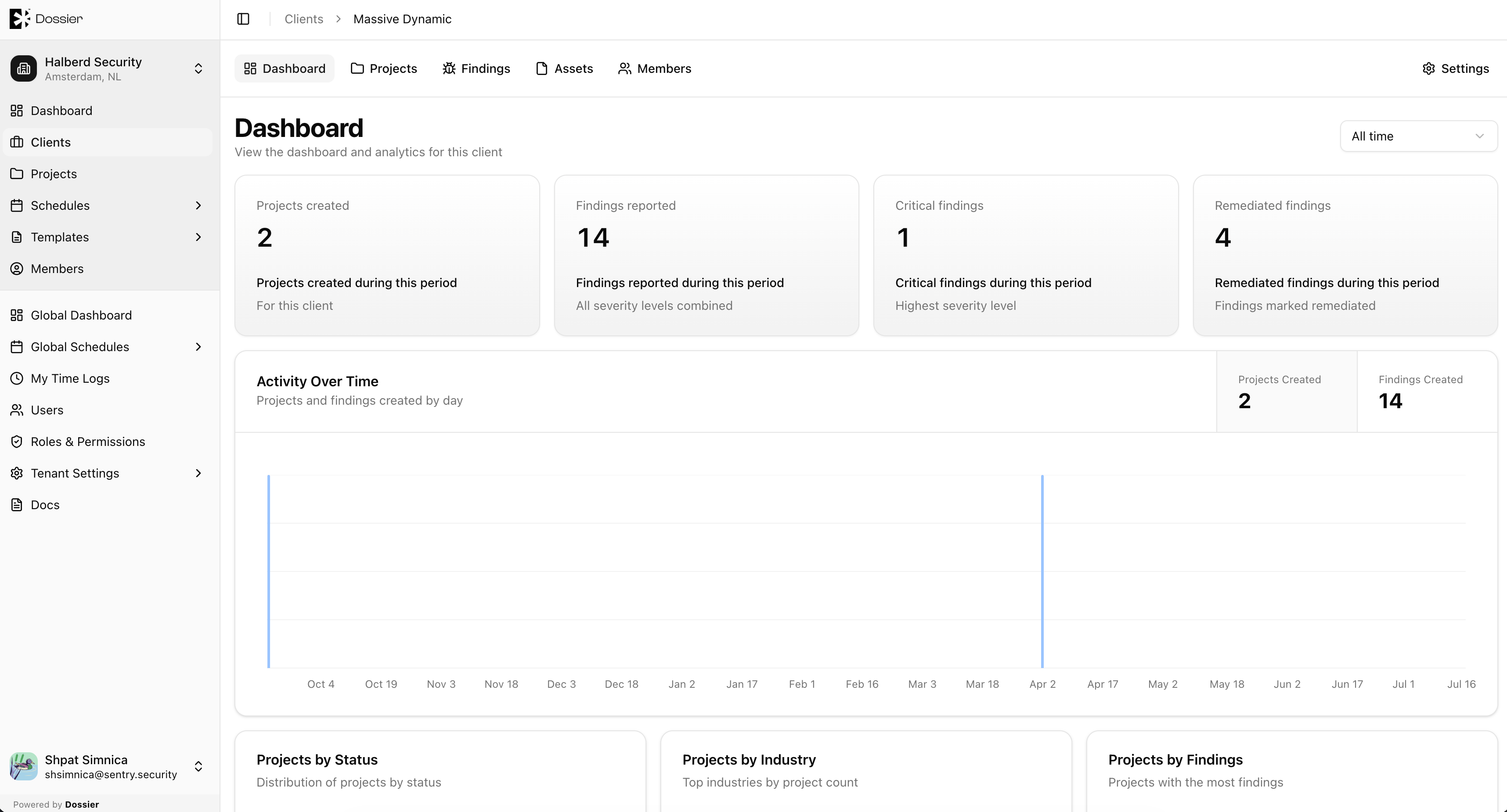
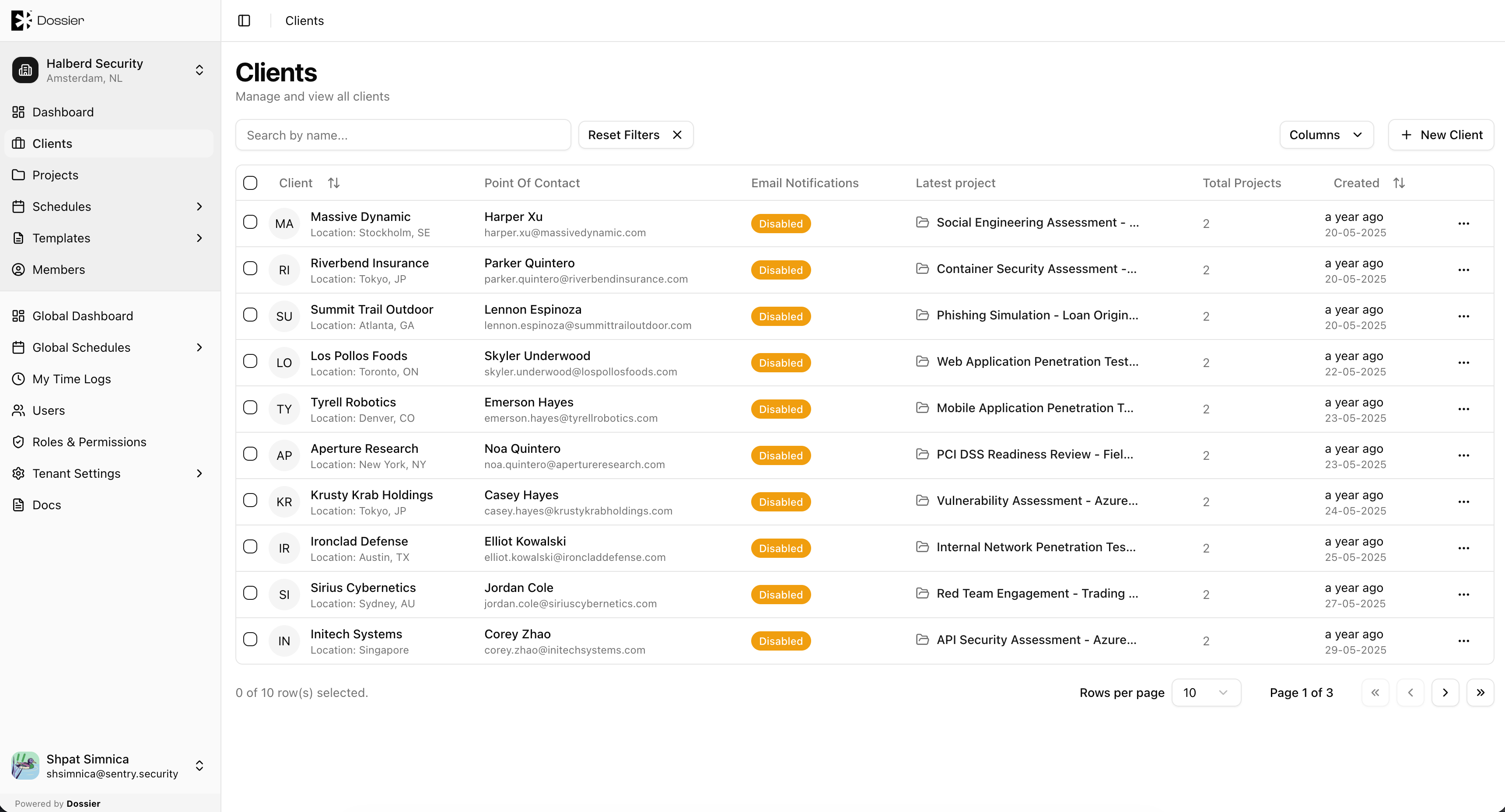
Clients represent the organizations you perform security assessments for. Each client belongs to an organization and can have multiple projects, findings, assets, and client portal users associated with it.
From the client section you can:
- Create and manage client profiles
- View aggregated dashboards, projects, findings, and assets
- Manage who has access to each client via the Members tab
- Configure Jira integrations and email recipients
Client Navigation Tabs
When you open a client, the section navigation provides these tabs:
| Tab | Description |
|---|---|
| Dashboard | Analytics for all projects under this client |
| Projects | List of projects for this client |
| Findings | All findings across the client's projects |
| Assets | All assets across the client's projects |
| Members | Add or remove organization users and client accounts with access to this client |
| Details | Client settings, logo, Jira integration, email recipients |