Introduction
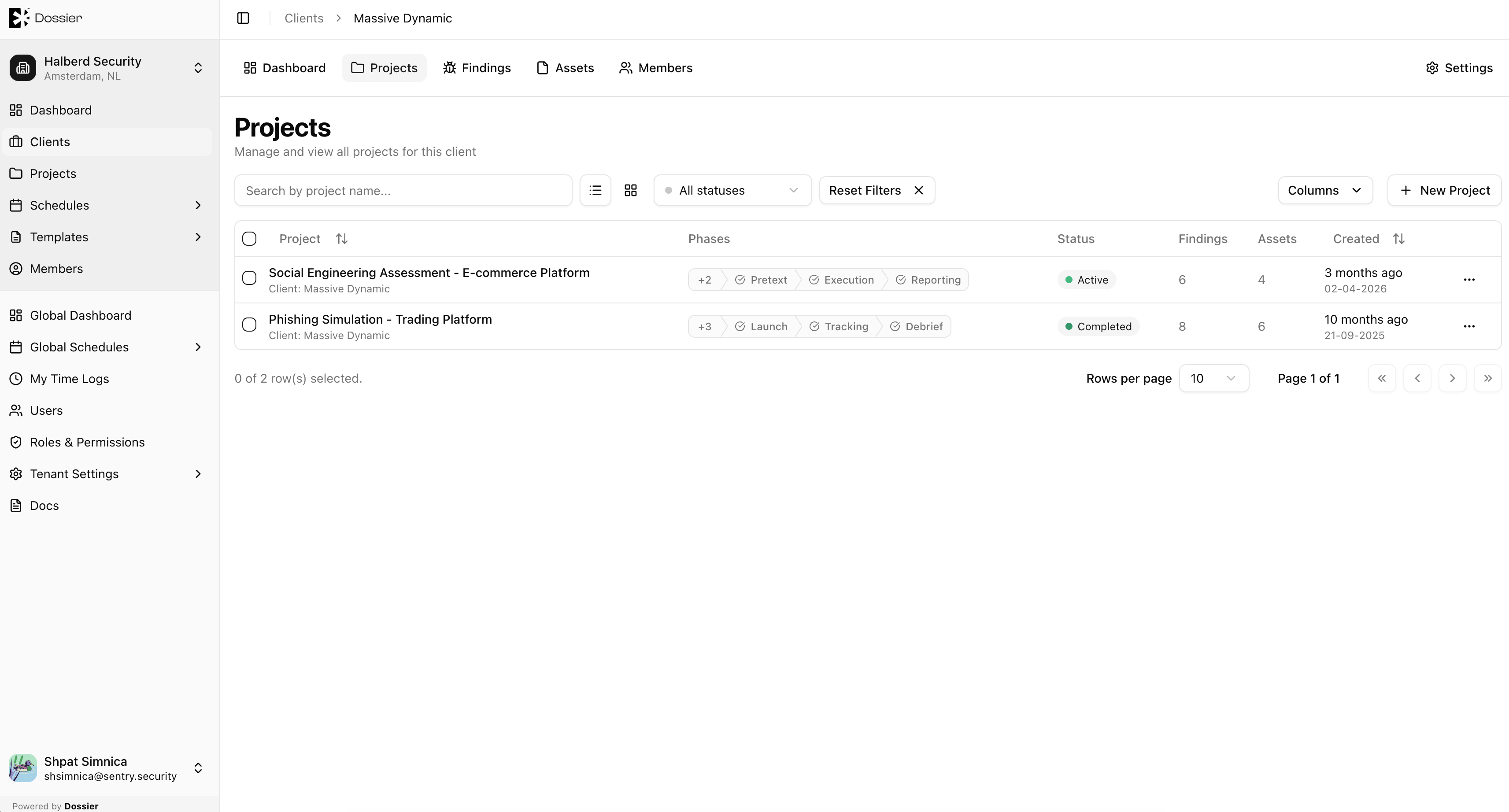
Projects represent individual security engagements for a client. Each project contains findings, assets, schedules, reports, forms, and a project overview document.
Projects are created within a client context and inherit the client's organization. From the project section you can manage the full lifecycle of an engagement — from draft planning through active testing to completion and report delivery.
Project Navigation Tabs
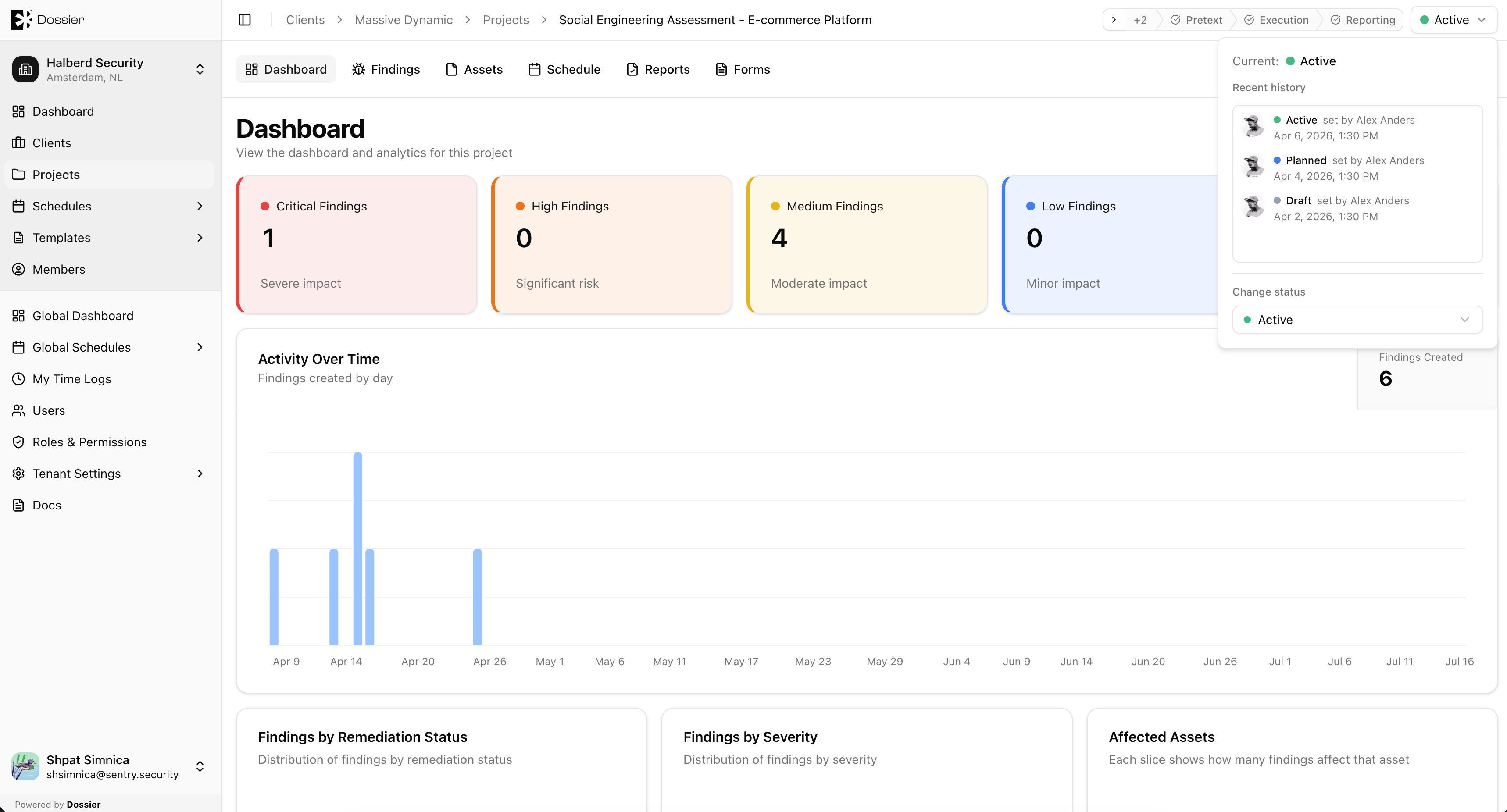
When you open a project, the section navigation provides these tabs:
| Tab | Description |
|---|---|
| Dashboard | Project analytics — findings by severity, remediation status, asset counts |
| Overview | Rich-text project narrative |
| Findings | Vulnerability findings for this project |
| Assets | Hierarchical asset tree for the project scope |
| Schedule | Project calendar with phases and consultant assignments |
| Reports | Project reports and PDF generation |
| Forms | Client questionnaires and submissions |
| Details | Project settings — title, image, delete |
Project Header
The project header displays:
- Phase stepper — Visual indicator of the current project phase.
- Status popover — Current status with actions to transition (Plan, Activate, Pause, Complete, etc.).
See Project Status for details on status transitions.