Introduction
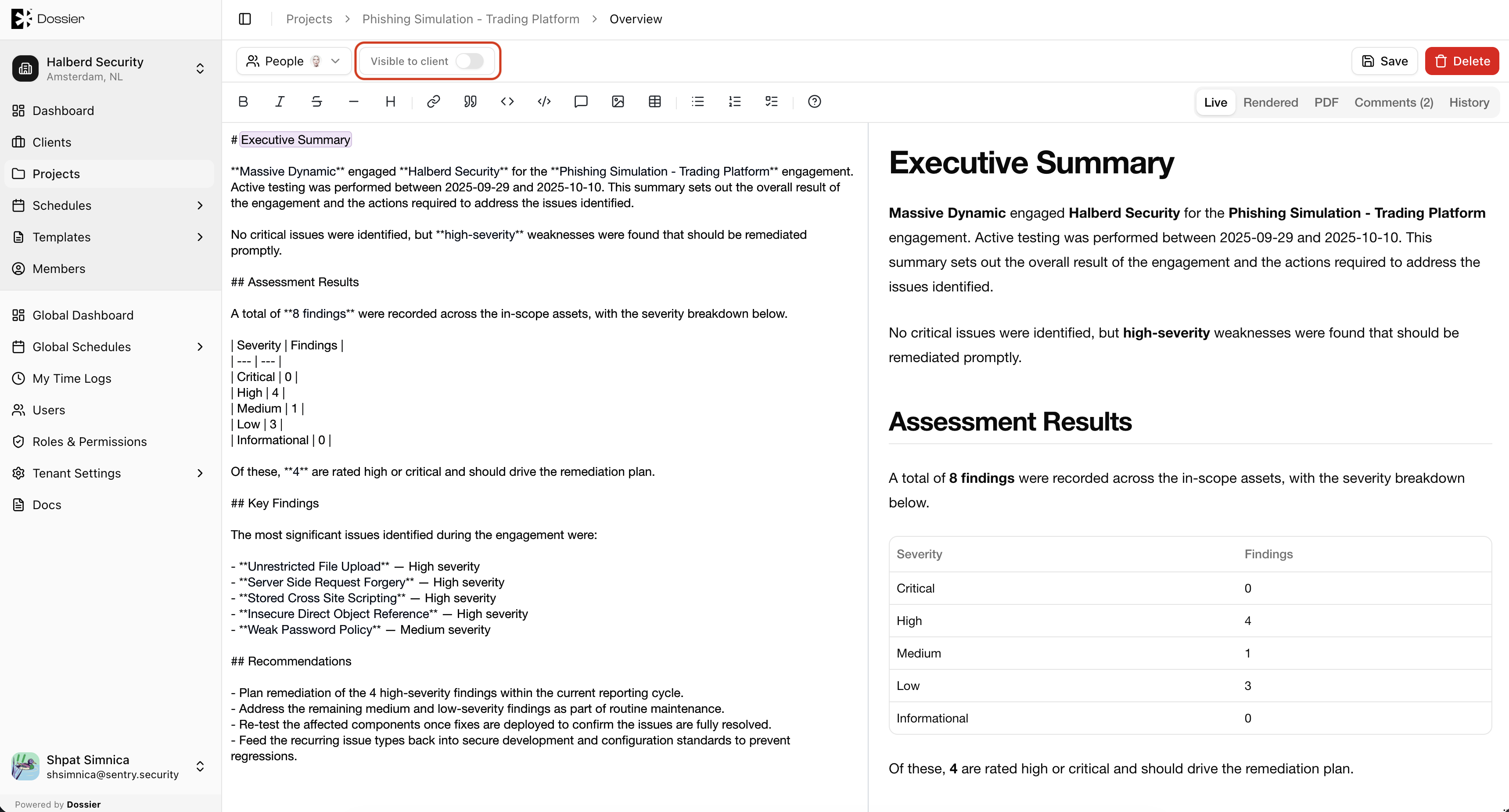
The project overview is a rich-text document that serves as the project's narrative — a summary of the engagement scope, methodology, and key outcomes. Each project can have one overview document.
The overview supports the same markdown editor used for findings, with Live, Rendered, and PDF preview modes, auto-save, content version history, and inline comments.
Key Features
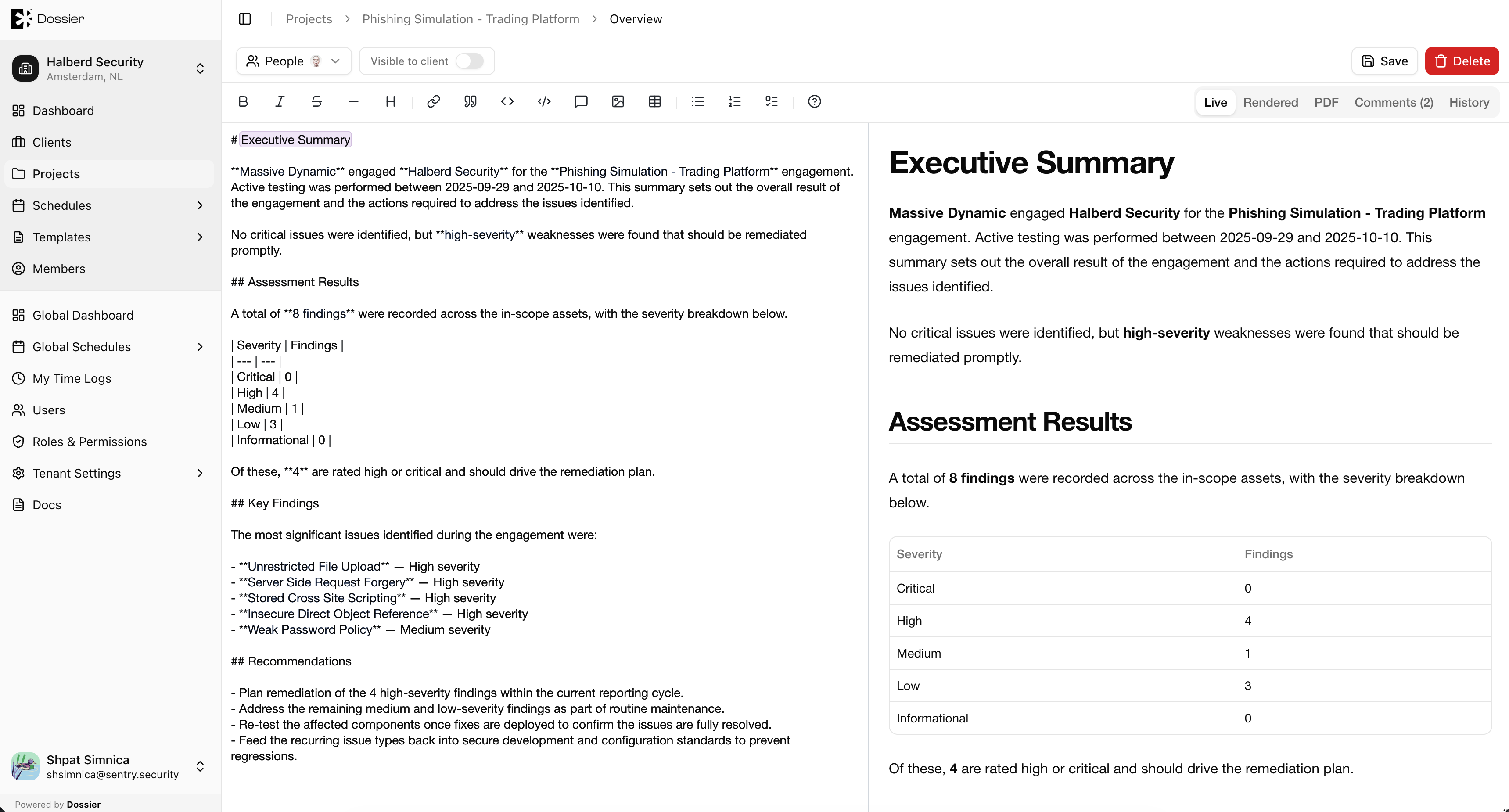
- Rich-text editing — Full markdown editor with media upload and Handlebars placeholders.
- Collaborators — Assign team members who can edit the overview.
- Client visibility — Toggle whether client accounts can view the overview (
visibleToClient). - PDF export — Generate a PDF of the overview using the project's report template.
- Content history — Version snapshots with diff and restore.
- Comments — Inline comments with threaded replies.
Client Portal Visibility
Overview content appears in the client portal when the team marks it as ready using Visible to client. Until then, clients do not see the overview content.